
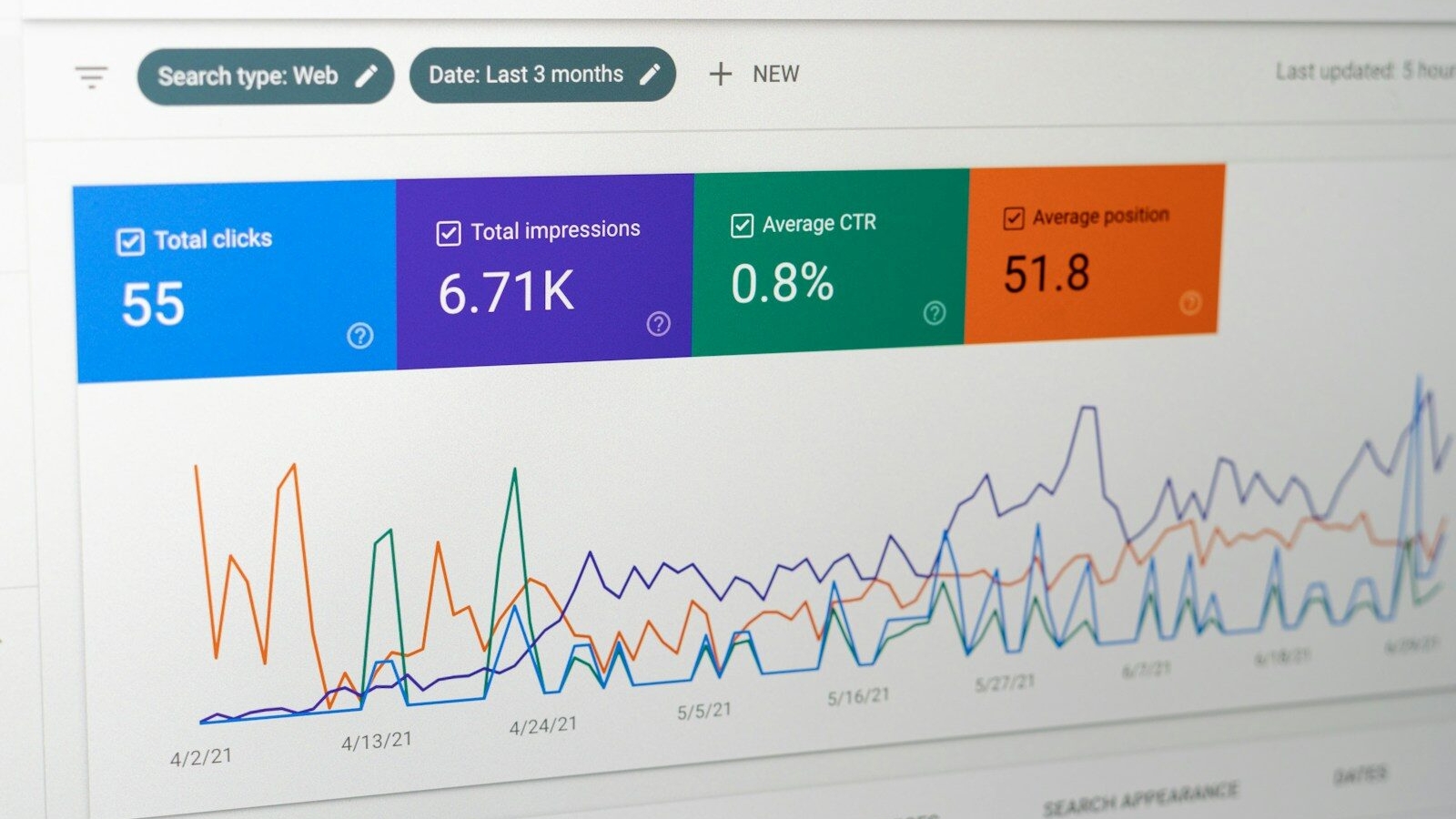
If you need to fix poor Shopify tracking in GA4 and Google Ads, you’re not alone. Many ecommerce businesses assume their reporting is accurate because conversions appear inside dashboards. However, inaccurate tracking is one of the most common reasons brands make poor marketing decisions, overspend on advertising, and struggle to scale profitably.
When Shopify tracking is configured incorrectly, businesses often see discrepancies between Shopify revenue, Google Ads conversions, and GA4 reports. This creates uncertainty around campaign performance, customer acquisition costs, and return on ad spend.
Before increasing ad budgets or redesigning your store, it is essential to ensure your measurement foundation is reliable. A proper marketing analytics audit often reveals hidden tracking issues that directly affect business performance.
Who This Article Is For
This guide is designed for:
- Shopify store owners running Google Ads
- Ecommerce marketing managers
- Businesses using GA4 for reporting
- Brands experiencing conversion discrepancies
- Companies scaling paid advertising campaigns
- Stores migrating from Universal Analytics or older setups
Why Poor Shopify Tracking Is a Serious Business Problem
Most businesses view tracking as a technical issue. In reality, it is a growth issue.
When conversion tracking is inaccurate, several problems occur:
- Campaign performance becomes unreliable
- ROAS calculations become misleading
- Google Ads optimization suffers
- Budget allocation decisions become weaker
- Customer journey insights become incomplete
- Attribution becomes distorted
If a campaign appears unprofitable because conversions are not tracked correctly, you may reduce spend on a campaign that is actually generating revenue.
Common Signs You Need to Fix Poor Shopify Tracking in GA4 and Google Ads
The following warning signs frequently indicate tracking issues:
- Shopify revenue is significantly higher than GA4 revenue
- Google Ads reports fewer conversions than Shopify orders
- Purchase events are missing
- Revenue values appear incorrect
- Duplicate conversions appear in reports
- Campaigns show inconsistent performance data
- Sudden reporting changes occur after updates
Many businesses ignore these discrepancies for months, leading to inaccurate strategic decisions.
The Most Common Causes of Tracking Problems
Duplicate Tracking Installations
One of the most common issues occurs when businesses install multiple tracking methods simultaneously.
Examples include:
- Native Shopify integration
- Google Tag Manager implementation
- Third-party tracking apps
- Manual code installation
This often creates duplicate purchase events and inflated conversion reporting.
Improper GA4 Ecommerce Configuration
Many stores track page views successfully but fail to track ecommerce events correctly.
Common missing events include:
- View item
- Add to cart
- Begin checkout
- Add payment info
- Purchase
Without these events, businesses lose visibility into funnel performance.
Broken Attribution
Attribution problems occur when traffic sources are not preserved properly throughout the customer journey.
This often affects:
- Google Ads campaigns
- Email marketing platforms
- Affiliate traffic
- Social media campaigns
Attribution failures can significantly distort marketing reports.
Incorrect Conversion Value Tracking
Some Shopify stores record purchase events but pass incorrect revenue values.
This creates inaccurate ROAS calculations and affects automated bidding strategies.
Business Impact of Inaccurate Tracking
| Tracking Problem | Business Impact |
|---|---|
| Missing purchases | Undervalued campaigns |
| Duplicate conversions | Inflated performance reporting |
| Incorrect revenue values | Misleading ROAS calculations |
| Broken attribution | Poor budget decisions |
| Missing funnel events | Limited optimization opportunities |
| Cross-domain issues | Incomplete customer journeys |
What MetaLabs Checks First
Before implementing fixes, MetaLabs typically evaluates the entire measurement ecosystem.
This includes:
- GA4 property setup
- Google Ads conversion configuration
- Google Tag Manager implementation
- Shopify customer events
- Enhanced conversions
- Consent settings
- Revenue tracking accuracy
- Cross-domain configuration
- Attribution settings
We begin with diagnosis because fixing the wrong issue often creates additional reporting problems.
A Practical Shopify Tracking Audit Framework
Step 1: Compare Revenue Sources
Start by comparing:
- Shopify sales reports
- GA4 purchase revenue
- Google Ads conversion values
Small differences are normal. Significant differences require investigation.
Step 2: Verify Purchase Events
Confirm that purchase events fire correctly and only once.
Duplicate events remain one of the most common tracking errors in ecommerce.
Step 3: Validate Ecommerce Parameters
Check whether important values are being passed correctly:
- Transaction ID
- Revenue value
- Currency
- Product data
- Order information
Step 4: Review Attribution Data
Evaluate whether traffic sources remain intact from initial visit through completed purchase.
This step often uncovers attribution leaks that affect campaign reporting.
Step 5: Test Real Transactions
Real-world testing frequently reveals issues that are not visible inside dashboards.
Testing should include multiple devices, browsers, and traffic sources.
Common Mistakes Businesses Make
Trusting Reports Without Validation
Many companies assume reports are accurate because data exists.
Unfortunately, data availability does not guarantee data quality.
Implementing Multiple Tracking Apps
Adding tracking apps without understanding existing configurations often creates duplicate reporting.
Ignoring Revenue Discrepancies
Small inconsistencies can indicate larger measurement problems.
Ignoring them allows reporting errors to compound over time.
Focusing Only on Purchases
Purchase tracking is important, but ecommerce growth also requires visibility into:
- Product views
- Add-to-cart actions
- Checkout behavior
- Customer journeys
How Tracking Impacts Google Ads Performance
Google Ads optimization depends heavily on conversion quality.
If conversion data is inaccurate:
- Automated bidding becomes less effective
- Campaign learning is affected
- Audience targeting weakens
- Budget allocation suffers
- Scaling becomes difficult
Accurate tracking supports better machine learning decisions and stronger campaign performance.
When Should You Hire an Expert?
Businesses should consider professional support when:
- Revenue discrepancies exceed acceptable levels
- Tracking setups have evolved over several years
- Multiple agencies have modified configurations
- Google Ads budgets are growing
- Attribution confidence is low
- Reporting inconsistencies affect decision-making
At this stage, a comprehensive audit often delivers more value than incremental troubleshooting.
You can review examples of measurement, growth, and ecommerce improvement projects through our results page.
How Tracking Supports Long-Term Growth
Reliable analytics supports:
- Better marketing decisions
- Improved customer acquisition efficiency
- More accurate forecasting
- Smarter budget allocation
- Higher confidence when scaling campaigns
Strong tracking is not simply a reporting requirement. It becomes a competitive advantage.
Businesses investing in Shopify development services should ensure tracking accuracy is reviewed alongside website performance, UX, and conversion optimization.
Frequently Asked Questions
Why does poor Shopify tracking in GA4 and Google Ads happen?
Poor tracking usually results from duplicate implementations, incorrect ecommerce event setup, broken attribution, revenue tracking errors, or conflicts between multiple tracking tools and apps.
What should a business check first when dealing with poor Shopify tracking?
Start by comparing Shopify revenue against GA4 revenue and Google Ads conversion values. Large discrepancies often indicate implementation or attribution issues that require investigation.
What are the most common mistakes businesses make with fix poor Shopify tracking in GA4 and Google Ads?
Common mistakes include installing multiple tracking methods, failing to validate purchase events, ignoring revenue discrepancies, and assuming data accuracy without performing audits.
How can a business diagnose whether poor Shopify tracking is the real problem?
Review revenue consistency, attribution accuracy, event firing behavior, and funnel tracking quality. Testing real transactions can reveal hidden issues that dashboards alone may not show.
When should a business hire an expert instead of handling Shopify tracking internally?
Expert assistance becomes valuable when reporting discrepancies affect strategic decisions, ad budgets are increasing, or technical implementations become difficult to manage internally.
How can MetaLabs help fix poor Shopify tracking in GA4 and Google Ads?
MetaLabs conducts comprehensive tracking audits, validates ecommerce events, identifies attribution issues, reviews conversion accuracy, and implements reliable measurement frameworks that support growth.
Request a Shopify Tracking Fix Assessment
If you suspect inaccurate reporting, duplicate conversions, attribution problems, or unreliable revenue data, now is the time to act.
Explore our Marketing Analytics Services, review our client results, or contact MetaLabs to request a Shopify tracking assessment and implementation review.
Not sure why your marketing is not converting?
⬆️ Get a senior growth review ⬆️
MetaLabs can review your campaigns, tracking, landing pages and conversion journey to identify where budget is being wasted and what should be fixed first.